
9 AI Tools That Will Make You $1M in 2026
I reveal the 9 AI tools that will help make you over $1M in 2026. I break down exactly how to use tools like Cursor, Claude Code, Clipyard and more to streamline your work, increase productivity, and build businesses in 2026.

We’re all spending far too much time on repetitive tasks — coding, content creation, research, video editing, automation… you name it.
The good news? There’s now a new wave of AI tools that can cut those hours down to minutes — and none of them are ChatGPT.
In this post, I’ll share nine game-changing AI tools that have transformed my workflow and given me an edge — plus a bonus 10th tool at the end that’s just too good to miss.
1. Clipyard — The AI UGC Powerhouse

If you’re running ads, building a personal brand, or creating social content, Clipyard is an absolute game-changer.
Clipyard lets you create AI-generated influencer videos using proprietary models called Real and Vibe (or even Flux and Image GPT). You can generate realistic AI humans, write a script, and then use Clipyard’s lip-sync engine to make them deliver your message — just like real UGC creators.
For performance marketing teams, this is a goldmine. You can batch-test multiple scripts, voices, and avatars, finding what performs best before scaling. Clipyard also offers realistic faceless video and product image generation, TikTok scheduling, and soon an ad intelligence system.
Pricing: from £67/month for 15 videos and 50 images.
If you’re already spending on ads, Clipyard will pay for itself many times over.
2. Claude Code — Your AI Developer Sidekick
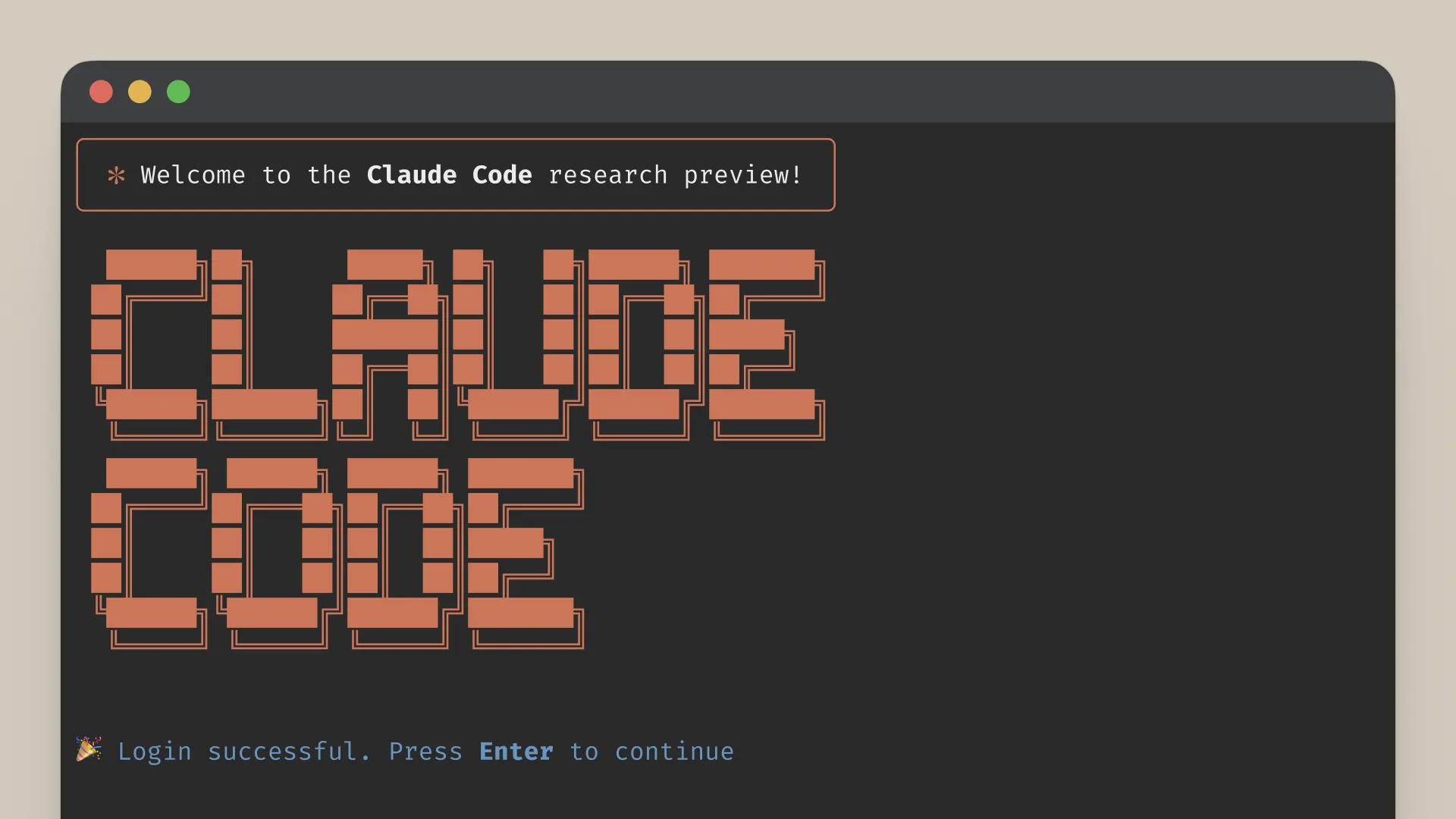
Claude Code is the first true agentic coding assistant, and it’s been revolutionary for my workflow.
You can drop in your GitHub repo, and it will:
- Read your project structure
- Generate context-aware patches
- Write unit tests
- Handle full refactors
I’ve used it to build Next.js apps, iOS tools, and internal marketing utilities — all faster than ever. Honestly, it’s better than most junior devs I’ve hired.
If you run a business or lead a dev team, give your developers access to Claude Code — it’s a massive productivity multiplier.
3. Cursor AI — Coding Superpowers in Your IDE
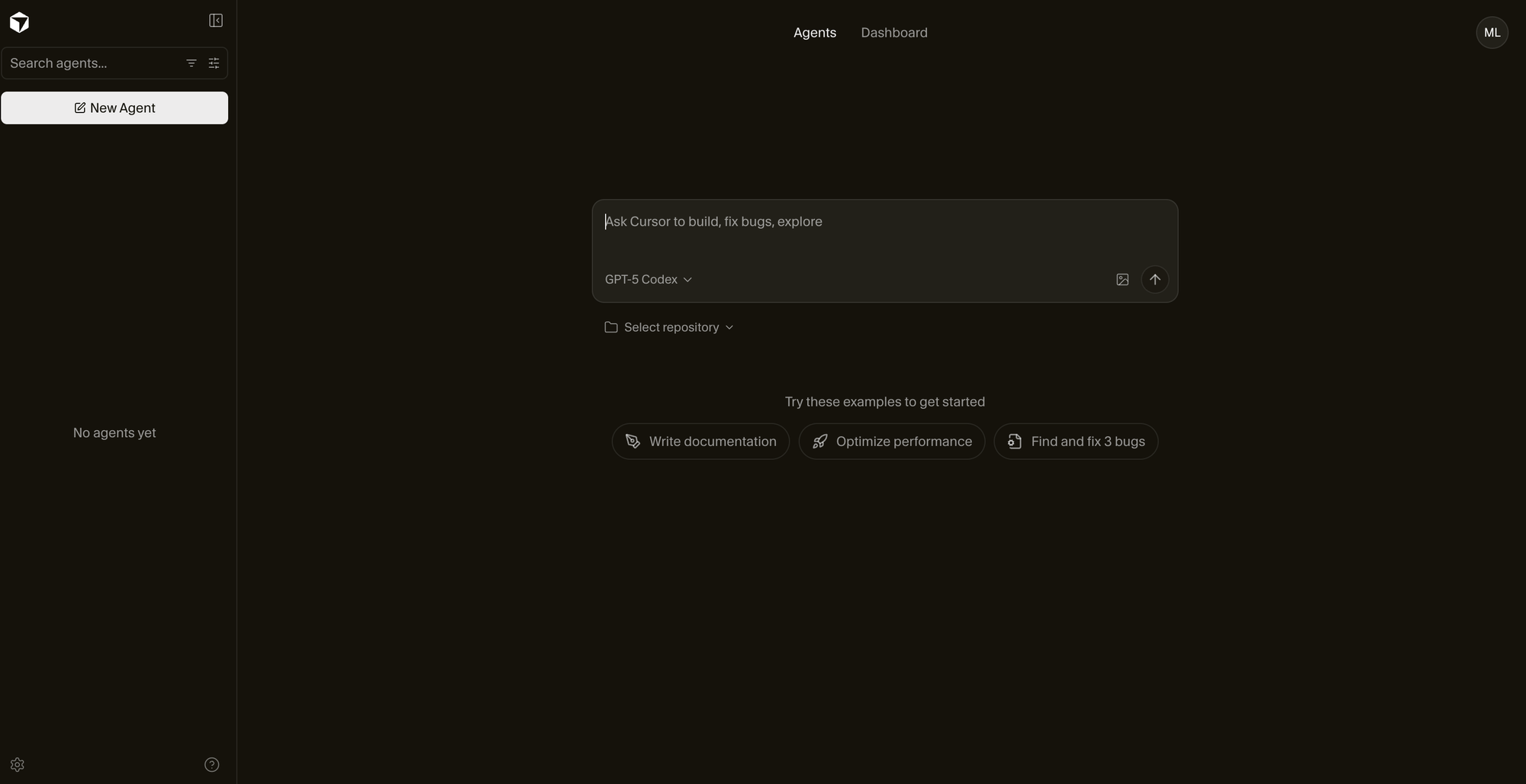
While Claude Code handles complex refactors, Cursor AI is my daily coding partner.
Built as a fork of Visual Studio Code, Cursor adds two killer features:
- Smart Autocomplete: Double-tap
Taband Cursor predicts entire code blocks. - Conversational Interface: Describe what you want, upload a screenshot, and it generates working code.
You can switch between models like Claude Sonnet 4 or Opus depending on the task.
Even with its new usage-based pricing, Cursor still delivers huge value — especially compared to hiring a junior developer. For anyone building apps, it’s indispensable.
4. Perplexity (Max + Comet) — The AI Search Engine That Replaces Google

Perplexity has replaced Google for about 90% of my research.
The new Max plan runs your queries through frontier models like GPT-4 and Claude Opus 4, while the Comet browser lets you chat with any webpage. You can summarize white papers, compare specs, and even analyze Reddit discussions in-line.
I use it for social listening, competitor analysis, and product research. For example, I recently fed Comet three competitor products and got a detailed pricing and feature matrix in seconds — something that used to take days.
It’s fast, accurate, and essential for anyone doing research, marketing, or strategy work.
5. Notebook LM — Turn Notes into Knowledge Graphs
From Google’s Gemini team, Notebook LM is like having your own research assistant.
Upload PDFs, transcripts, or messy notes, and it builds a knowledge graph you can query conversationally.
I use it to:
- Summarize client calls and workshops
- Generate insights and content ideas
- Create interactive recaps for my marketing team
It’s especially powerful for turning unstructured data into actionable insights — and because it’s Google, it’s only going to get smarter.
6. N8N — No-Code AI Automation on Steroids
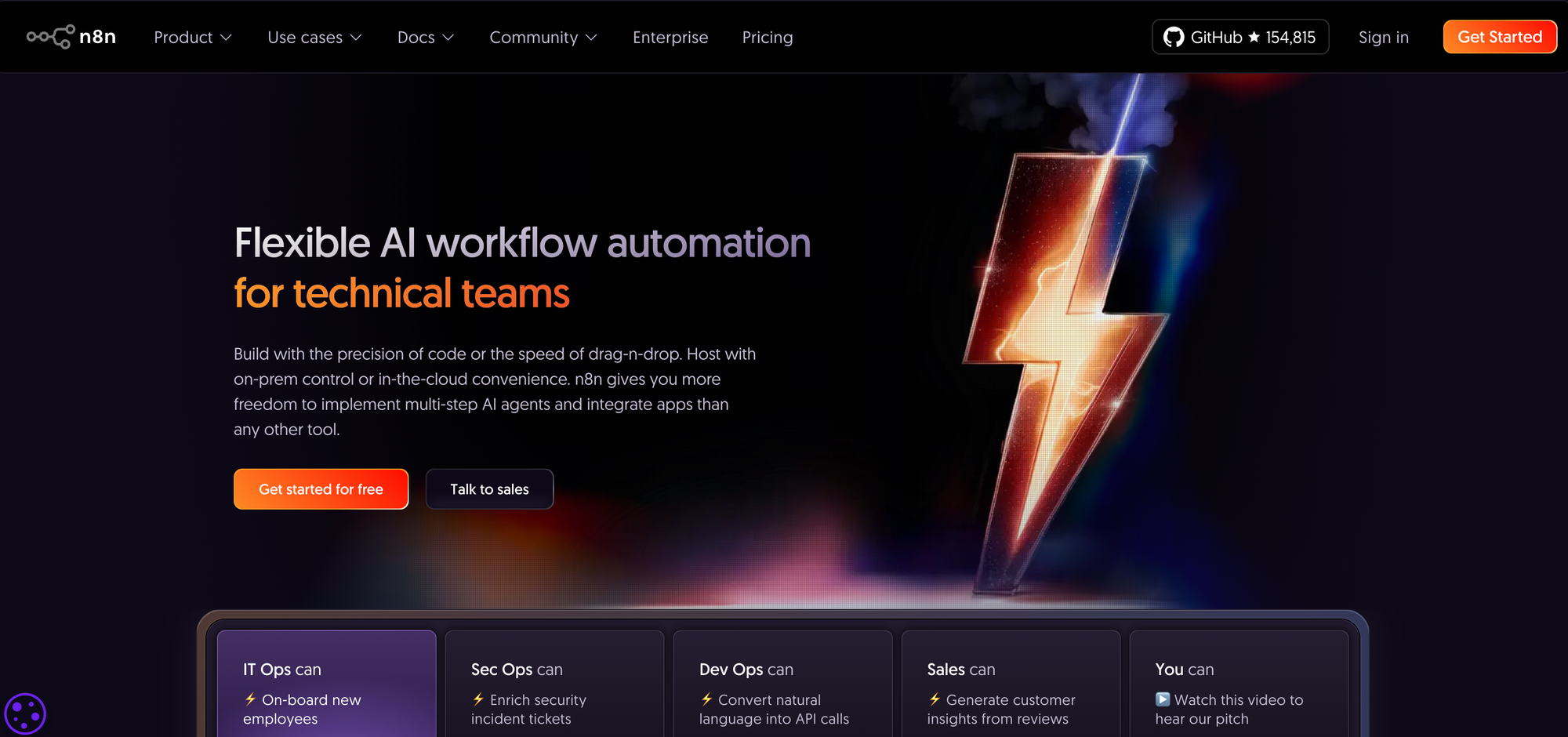
If Zapier feels outdated, N8N is your new best friend.
It’s an open-source automation platform that lets you connect AI models, APIs, and apps in powerful workflows.
I use it to:
- Schedule and post on social media
- Generate LinkedIn content
- Create AI news digests
- Automate repetitive business workflows
You can host it yourself or use their cloud for around $20/month. It’s technical, but once you get it, you’ll automate half your job.
7. Leonardo AI — Fast, Style-Consistent Image Generation
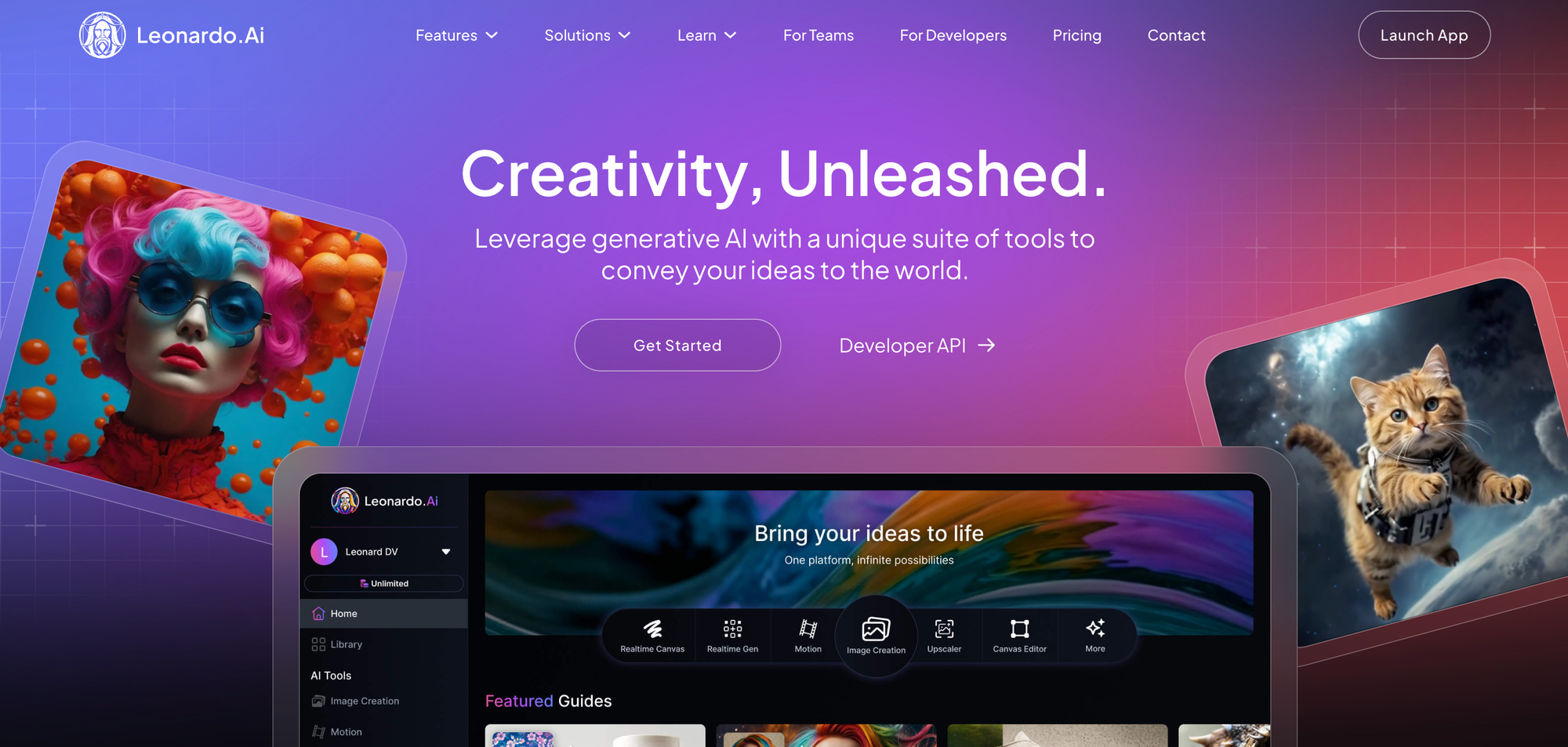
Leonardo AI has become my go-to for generating marketing visuals.
Their new Flow State mode streams dozens of stylistically consistent image variations from a single prompt. You can even animate them now with built-in motion tools.
I’ve used it to turn rough Procreate sketches into polished mascots and ad creatives in minutes. It’s fast, intuitive, and brilliant for marketers and designers alike.
8. Opus Clip — Turn Long Videos into Viral Shorts
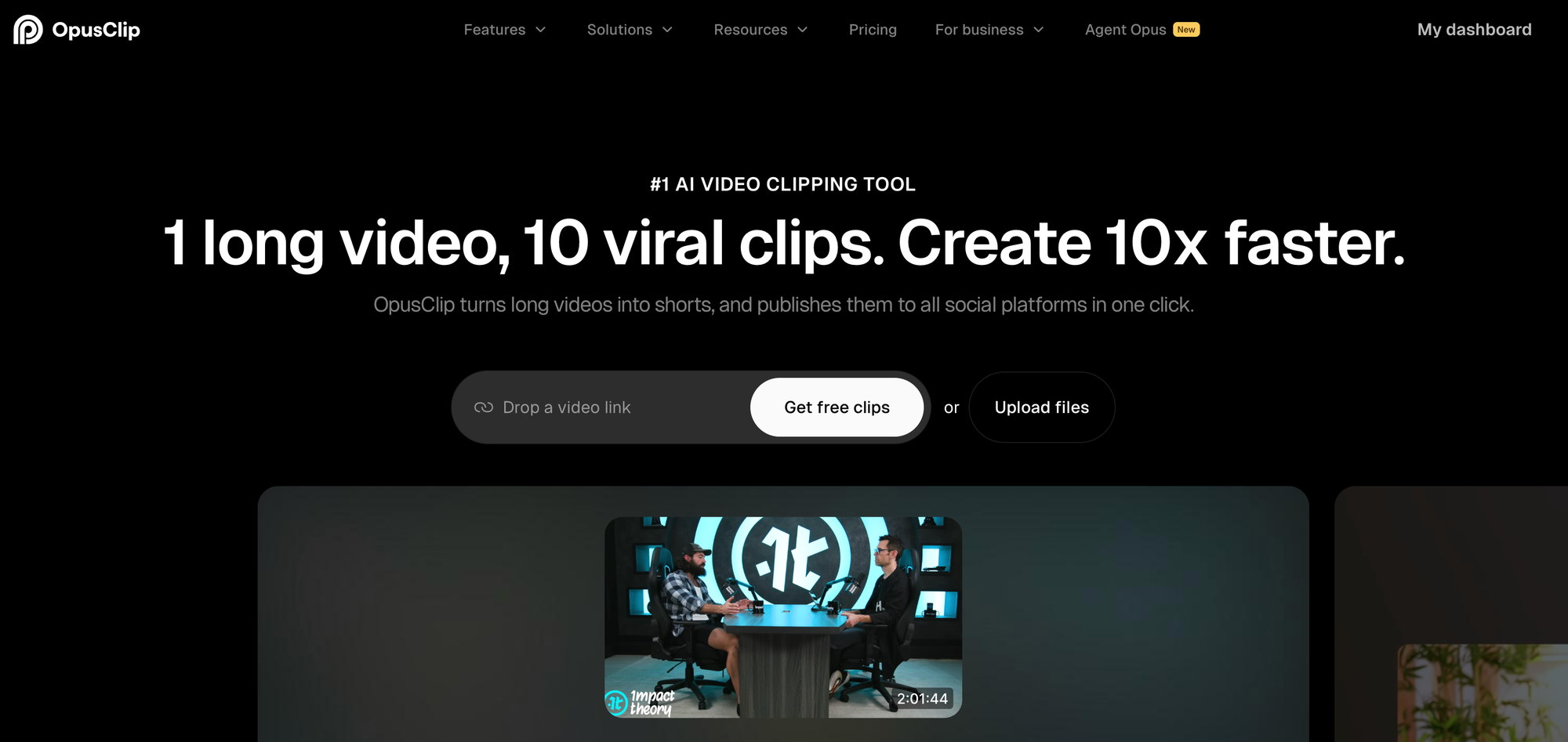
If you create long-form content, Opus Clip is a lifesaver.
Upload your video or webinar, and Opus Clip automatically:
- Detects high-performing highlights
- Adds AI B-roll
- Scores each clip’s virality (based on hook, pacing, and trend potential)
I keep every clip scoring above 70 — they consistently outperform others on socials. For YouTube, TikTok, or Instagram Reels, it’s a must-have.
9. Hugging Face — The Playground for AI Builders
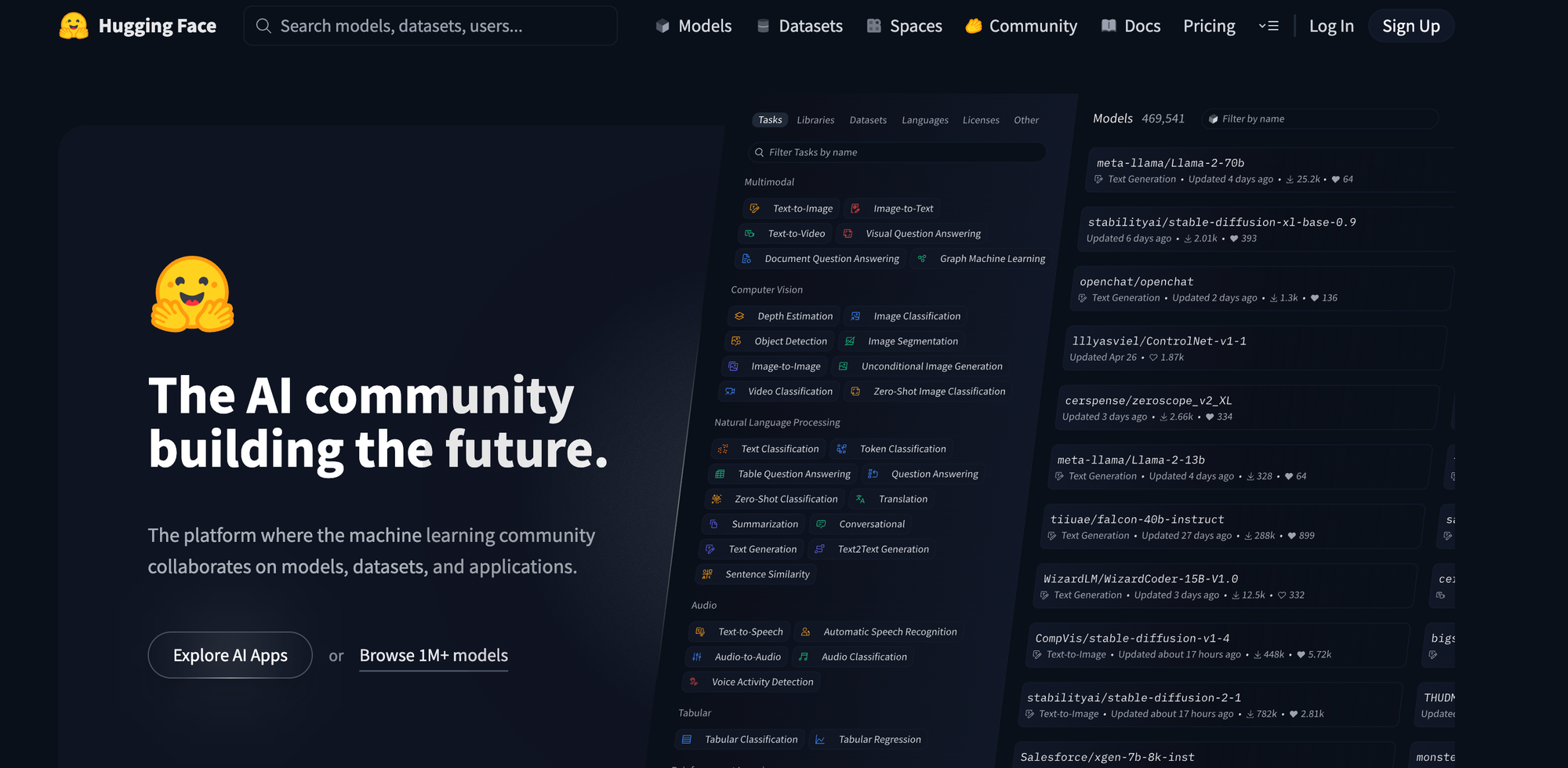
When I want to explore new AI models, I go to Hugging Face.
Their Hub and Spaces are home to the latest open-source models — from Mixture-of-Experts giants to quirky personal projects.
I often fork demos, tweak a few lines of code, and share prototypes with my team. Recently, we even fine-tuned a medical dialogue model for a client using a community LoRA — all hosted for free.
If you’re into AI tinkering or R&D, this is your playground.
Bonus: Riffusion 2.0 — Generate Custom Music in Seconds
Need background music but tired of stock libraries? Refusion 2.0 lets you type something like:
“Lo-fi synthwave at 85 BPM with gentle rainfall”
And it instantly generates a seamless, royalty-free loop — even remixing live as it plays.
It’s perfect for creators, streamers, and marketers who want unique, copyright-free music on demand.
FAQ: Game-Changing AI Tools
1. Are these tools free to use?
Most of the tools listed here have free trials or limited free tiers, but the most powerful features (like video generation or automation hosting) typically require a paid plan. Expect to spend anywhere from £20–£100/month depending on usage.
2. Do I need to know how to code to use them?
Not at all. Tools like Clipyard, Perplexity, and Opus Clip are designed for non-technical users. Even N8N offers no-code templates. Coding knowledge helps for Cursor or Claude Code, but it’s not essential.
3. Can I use these AI tools for commercial projects?
Yes — most offer commercial-use licenses. Always double-check the terms for image, voice, or video generation (especially with tools like Clipyard or Leonardo AI) before publishing.
4. Which AI tool should I start with if I’m new to AI?
Start with Perplexity for research and Opus Clip for content repurposing — they’re intuitive and instantly useful. Once you’re comfortable, move to N8N for automation and Claude Code for development.
5. How do these compare to ChatGPT?
ChatGPT is a generalist. These tools are specialists — they each do one job extremely well, whether it’s video creation, coding, automation, or research. Think of them as your extended AI toolkit.
6. Are these AI tools safe and private to use?
Most of these companies are compliant with GDPR and major data regulations. If you’re uploading sensitive data (like client projects), use business plans with private workspaces or self-hosted options like N8N.